


 Github Stars:
 Last Commit:
  Created: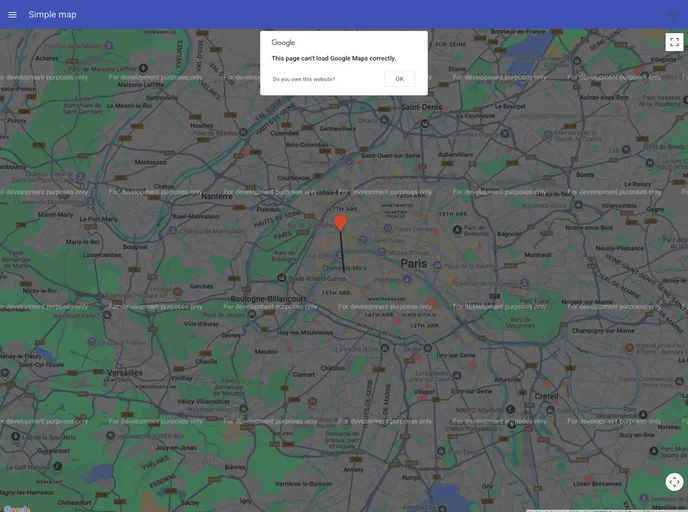
Overview
The vue-googlemapsnpm library is a robust tool designed to seamlessly integrate Google Maps into Vue applications. By adhering to Vue’s component-based architecture, it provides a user-friendly method for developers familiar with Vue’s conventions, including props, events, and slots. As a work in progress, it aims to visualize maps in a way that feels intuitive and natural, with the promise of more features to come in the 1.0 release.
Developers looking to enhance their applications with dynamic and interactive maps will find this library especially useful. It allows for the easy creation of custom components, enabling users to implement functionality like geocoding and displaying user locations. As live demos become available, the practical applications of the library will surely hold significant appeal for both seasoned developers and those new to using Google Maps in their projects.
Features
- Seamless Integration: Easily integrate Google Maps into your Vue application using a natural component-driven approach.
- Customizable Components: Create and customize your own components, tailoring the map features to fit your specific needs.
- Built-in Components: Access a variety of out-of-the-box components such as MapMarker, Circle, and Geocoder to quickly implement essential map features.
- Familiar Vue Syntax: Utilize Vue’s props, events, and slots to manage your map implementations, making it easy for Vue developers to adapt.
- Work in Progress: With ongoing development, expect even more features and enhancements in future releases.
- User Location Tracking: Effortlessly track and display user position on the map for a personalized experience.
- Easy API Key Integration: Simplifies the setup process by requiring a Google API key from the developer console for quick access to mapping features.

















