


 Github Stars:
 Last Commit:
  Created:

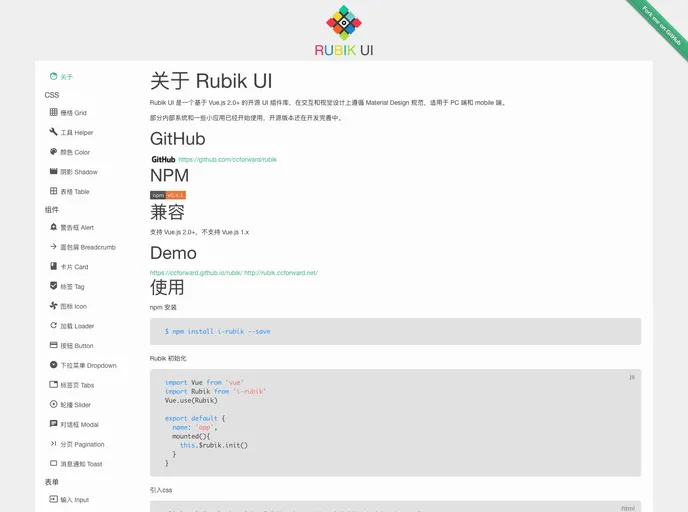
Overview:
Rubik UI is an open-source UI component library based on Vue.js 2.0+. It follows the Material Design guidelines for both desktop and mobile applications.
Features:
- Material Design: Rubik UI adheres to the Material Design specifications, providing a modern and intuitive user interface.
- Vue.js 2.0+ Support: The library is fully compatible with Vue.js 2.0 and higher versions.
- Responsive Design: Rubik UI components are designed to work seamlessly on both desktop and mobile devices.
- Easy Installation: The library can be easily installed using npm package manager.
- Iconfont Integration: Rubik UI includes Material Design’s iconfont, which can be easily imported into the project.
Installation:
To install Rubik UI, follow these steps:
- Open your terminal or command prompt.
- Run the following command to install Rubik UI using npm:
npm install rubik
Summary:
Rubik UI is a powerful UI component library based on Vue.js 2.0+ and follows the Material Design guidelines. It provides developers with an easy-to-use and modern user interface toolkit for building both desktop and mobile applications. With its responsive design, seamless Vue.js integration, and extensive component library, Rubik UI is a valuable tool for web development projects.

















