


 Github Stars:
 Last Commit:
  Created: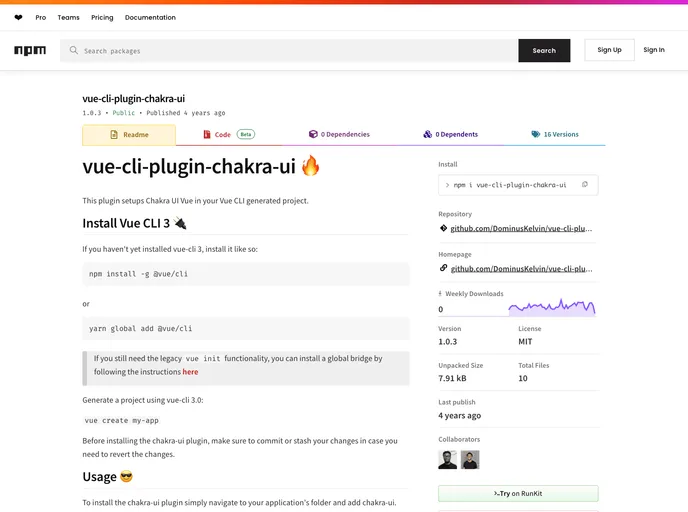
Overview:
The vue-cli-plugin-chakra-ui is a plugin that sets up Chakra UI Vue in a Vue CLI generated project. It simplifies the process of integrating Chakra UI into a Vue application by handling the installation of the necessary dependencies, modifying project files, and configuring the project to consume Chakra UI components.
Features:
- Easy integration: Sets up Chakra UI Vue in a Vue CLI generated project with minimal effort.
- Dependency management: Installs the required dependencies for Chakra UI Vue, including
@chakra-ui/vueand its peer dependencyEmotion. - Automatic import: Optionally allows for the automatic import of Chakra UI components, configured through a prompt during installation.
- Project configuration: Modifies
main.jsandApp.vuefiles to enable the consumption of Chakra UI components.
Installation:
To install the vue-cli-plugin-chakra-ui plugin, follow these steps:
- Install Vue CLI 3 if you haven’t already installed it:
npm install -g @vue/cli
- Generate a Vue CLI 3 project:
vue create my-app
- Navigate to your project’s folder:
cd my-app
- Install the
vue-cli-plugin-chakra-ui:
vue add chakra-ui
- In case you have made any changes to your project, commit or stash them before proceeding.
Summary:
The vue-cli-plugin-chakra-ui plugin is a convenient tool that simplifies the process of integrating Chakra UI Vue into a Vue CLI generated project. It handles the installation of dependencies, configuration of project files, and enables the consumption of Chakra UI components with minimal setup effort. By automating these tasks, the plugin enables developers to quickly incorporate Chakra UI Vue into their Vue applications.

















