


 Github Stars:
 Last Commit:
  Created:

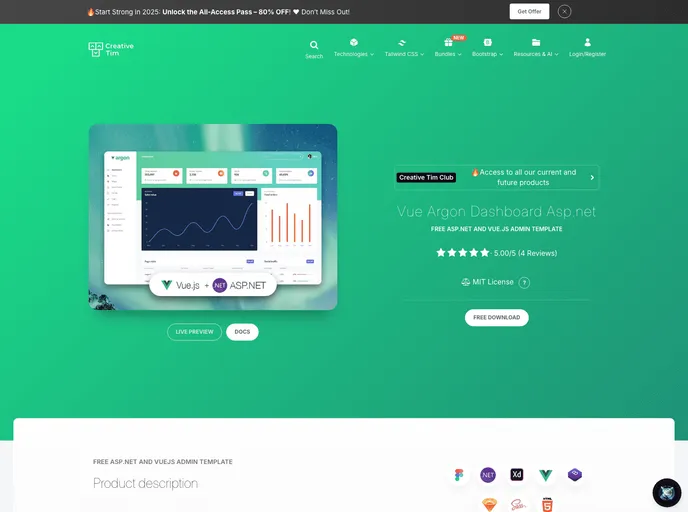
Overview:
Vue Argon Dashboard Asp.net is a free and open-source dashboard template designed for Asp.net and Vue.js. It offers a wide range of components and features that can help developers create impressive websites. The template also incorporates Docker containers, which streamline the development process by simplifying the management of multiple languages, frameworks, and deployment environments.
Features:
- Fully Coded Components: The dashboard template includes over 100 individual components that are fully implemented and can be customized. These components can be easily modified using SASS files to change their color variations.
- Complex Documentation: Each component is described in detail within the comprehensive documentation. The documentation provides insights into the concept behind the dashboard and offers information about the components and foundation.
- Example Pages: The template comes with pre-built example pages that can be used for inspiration or showcasing purposes. These example pages help in quickly setting up the basic structure for web projects.
Installation:
To install Vue Argon Dashboard Asp.net, follow these steps:
- Download the template from Github or Creative Tim.
- Clone the repository using the command
git clone https://github.com/creativetimofficial/vue-argon-dashboard.git. - From the project root folder, run
docker-compose up --build. Please note that this might take some time during the initial build. - Once the docker-compose process is finished, access the applications from the following URLs:
- Dashboard: [dashboard-url]
- Identity Server: [identity-server-url]
Usage:
After installation, you will have two applications running: a Vue front-end and an Identity Server based on C# and .NET Core. The implementation follows the resource owner password flow but can be easily modified to support other authentication methods.
The integration provides the following features:
- Login: The Identity Server has two default logins to get started.
- Username: alice, Password: Pass123$
- Username: bob, Password: Pass123$
- Register: This feature enables the registration of new users in the Identity Server.
- User Profile: Users can update their profile and change their password.
To modify authentication settings, please refer to the following files:
- IdentityServer\Config.cs
- IdentityServer\IdentityServer.cs

















