


 Github Stars:
 Last Commit:
  Created: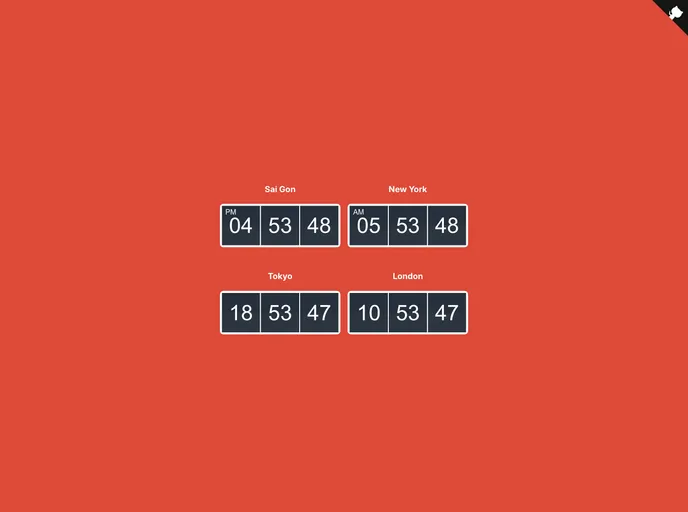
Overview
If you’re looking for a simple yet effective solution to display the current time on your Vue.js applications, the Vue Clock component is a fantastic option. This lightweight component allows developers to easily implement a clock that can be customized based on their needs, providing a user-friendly display of time in various formats.
The Vue Clock is especially versatile for applications that require time representation in different formats and styles. Whether you’re building a dashboard or a standalone clock feature, this component can cater to a range of display preferences, seamlessly integrating into your Vue or Nuxt projects.
Features
Customization Options: The component offers various options to show/hide hours, minutes, and seconds, allowing for tailored user experiences.
24-Hour Format: Users can choose to display the time in a 24-hour format, making it suitable for international applications.
Time Zone Support: The clock can display time based on different time zones, offering flexibility for global applications or users from different regions.
Simple Installation: Easy to install via CDN or NPM, this makes integrating the clock into your project a breeze.
Lightweight: The component is designed to be efficient and lightweight, ensuring it won’t slow down your application.
MIT License: The Vue Clock is open-source under the MIT License, allowing for free use and modification in personal or commercial projects.
Overall, the Vue Clock is a practical addition to any Vue.js application that requires time display, with plenty of customizable features to suit various needs.

















