


 Github Stars:
 Last Commit:
  Created:


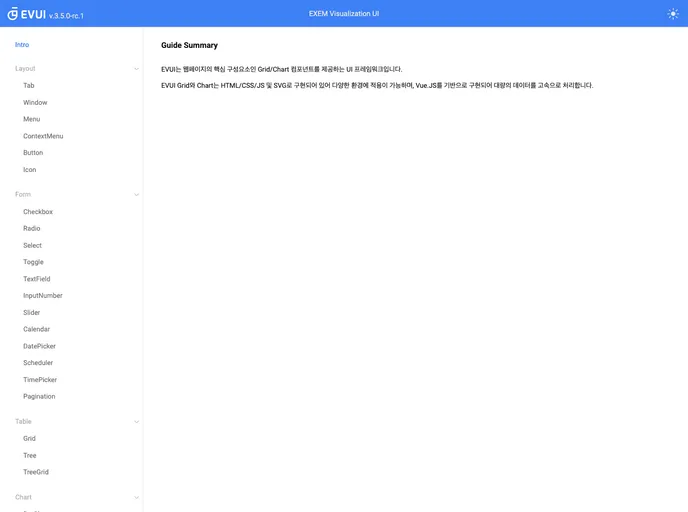
Overview:
EVUI 3.0 is a project setup tool that compiles and hot-reloads the library for product development. It requires Node 12 to run the official documentation locally.
Features:
- Project setup: EVUI 3.0 provides a convenient project setup tool to get started quickly.
- Compiles library for product: It compiles and prepares the library for product development.
- Compiles and hot-reloads for development: EVUI 3.0 supports real-time hot-reloading during development, making the development process smoother.
Installation:
To install EVUI 3.0, follow these steps:
- Make sure you have Node 12 installed on your system.
- Clone or download the EVUI 3.0 repository from the official GitHub page.
- Run the following commands in your terminal:
npm install -g @vue/cli
npm install
- Once the installation is complete, you can start using EVUI 3.0.
Summary:
EVUI 3.0 is a project setup tool that simplifies the development process by providing a convenient project setup and hot-reloading feature. It requires Node 12 for installation and is compatible with Vue3 projects. With EVUI 3.0, developers can easily compile and prepare libraries for product development.

















