


 Github Stars:
 Last Commit:
  Created:


Overview
This product analysis is about Vuetify Components, which is a versatile and comprehensive collection of ready-to-use components for website development. With Vuetify Components, developers can easily create stunning and responsive user interfaces using Vue.js framework. This analysis will outline the key features of Vuetify Components, provide installation instructions, and conclude with a summary of the article.
Features
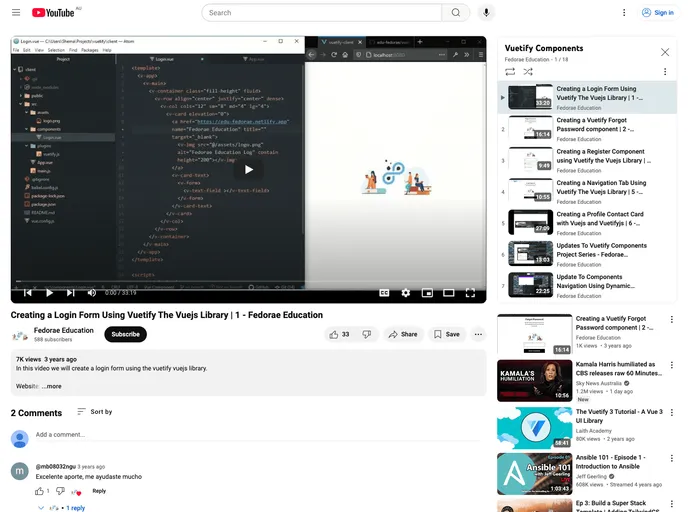
- Component List: Vuetify Components offers a wide range of pre-built components for various functionalities, including login forms, registration forms, password recovery forms, user profiles, and contact cards.
- Image Upload: One of the standout features of Vuetify Components is the ability to upload and preview images seamlessly. This can be extremely useful in scenarios where users need to upload images for their projects or profile pictures.
- Project setup: Vuetify Components provides a streamlined project setup process, ensuring that the code compiles and hot-reloads for development purposes. This feature eliminates the need for manual configuration, saving developers valuable time and effort.
- Production-ready build: Vuetify Components also offers a production-ready build process, where the code is compiled and minified for optimal performance. This feature ensures that the website runs efficiently and delivers a smooth user experience.
- Linting and fixing: Vuetify Components includes linting and fixing capabilities, allowing developers to identify and correct any code style issues easily. This feature ensures that the codebase follows best practices and maintains consistency throughout.
- Customizable configuration: Vuetify Components provides a comprehensive configuration reference, which allows developers to customize various aspects of the components to suit their specific needs. This feature ensures that the components can be seamlessly integrated into any project with minimal effort.
Installation
To install Vuetify Components, follow the steps below:
- Open your terminal and navigate to the project directory.
- Run the following command to install Vuetify Components:
npm install vuetify-components
- Once the installation is complete, import the desired components into your project using the following code snippet:
import { ComponentName } from 'vuetify-components';
- You can now use the imported components in your Vue.js application.
Summary
Vuetify Components is a powerful tool for web developers that offers a wide range of pre-built components for Vue.js applications. Its key features include a comprehensive list of ready-to-use components, image upload and preview functionality, streamlined project setup, production-ready build process, linting and fixing capabilities, and customizable configuration options. By utilizing Vuetify Components, developers can save time and effort in creating visually appealing and responsive user interfaces.

















