


 Github Stars:
 Last Commit:
  Created:
Overview:
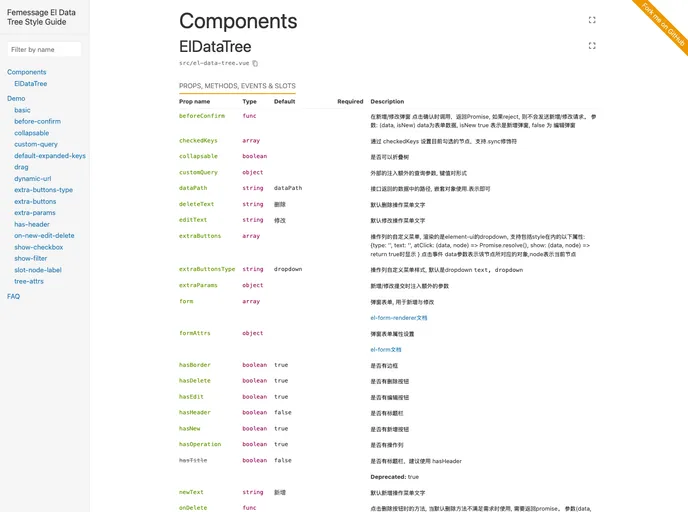
The el-data-tree component is designed to streamline the process of creating and managing a RESTful CRUD (Create, Read, Update, Delete) API, making it an essential tool for developers looking to enhance their applications. By encapsulating complex logic within a simple framework, it allows for quick implementation of user APIs and other data manipulation tasks, significantly improving productivity.
With its emphasis on customization and ease of use, this component comes equipped with features that accommodate various user needs. The ability to handle state management automatically while performing CRUD operations sets it apart, ensuring that user experience remains fluid and seamless.
Features:
- Effortless CRUD Integration: Utilize simple configuration to seamlessly invoke RESTful APIs for robust Create, Read, Update, and Delete functionalities.
- Custom Menu Bar: Tailor user interactions with a customizable menu bar, enhancing navigability and user engagement.
- State Preservation: Automatically saves the expandedKeys state during CRUD operations, ensuring a consistent user interface without losing context.
- Optimized Node Check Method: Improved logic for node verification, increasing efficiency and reliability when dealing with data structures.
- Supports Axios Requests: Leverage axios to automatically handle requests while also providing advanced filtering options for data management.
- Peer Dependencies Management: Requires element-ui and @femessage/el-form-renderer for smooth operation, simplifying integration into existing projects.
- Global Register Component: Facilitates minification for optimized builds by allowing a single vendor bundle across multiple pages using the component.

















