


 Github Stars:
 Last Commit:
  Created:
Overview:
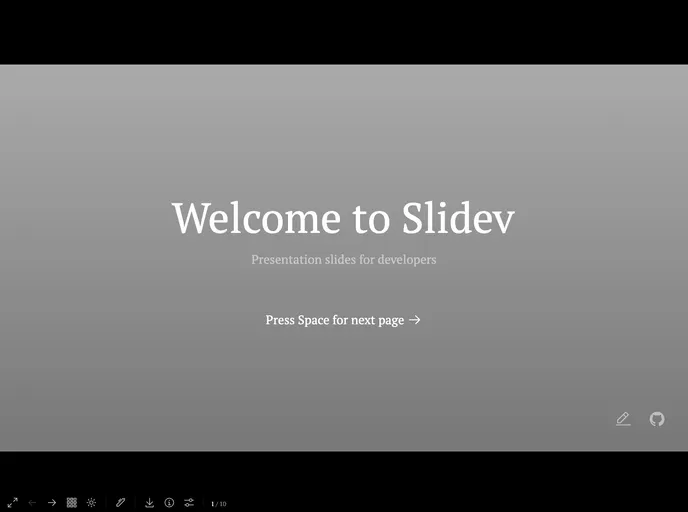
Template to Slidev is a presentation slide template designed specifically for developers. It provides a user-friendly interface for creating and editing slideshows. With options to record presentations and edit files on the browser, Template to Slidev offers a seamless experience for developers looking to showcase their work or deliver technical presentations.
Features:
- Local Slide Show: Run the slide show locally using the “yarn install” and “yarn dev ” commands, and access it at http://localhost:3030.
- HTML File Generation: Generate HTML files locally using the “yarn build” command.
- PDF Export: Export presentations to PDF files using the “yarn export” command.
- GitHub Pages Integration: Fork the project on GitHub and generate a gh-pages branch to host the content. Access the presentation by going to “settings -> Pages -> Source -> Branch: gh-pages” and save the changes.
- Editing Capabilities: Edit the slides by modifying the “./presentations/slides.md” file to see the changes reflected in the presentation.
Installation:
To install Template to Slidev, follow these steps:
- Run the following command to install the necessary dependencies:
yarn install
- Install the Slidev CLI globally with the following command:
yarn global add @slidev/cli
- Start the slide show locally by running the following command:
yarn dev <presentation>
- Access the slide show in your browser at http://localhost:3030.
To generate HTML files locally, use the following command:
yarn build
To export the presentation to PDF files, run the following command:
yarn export
For GitHub Pages integration, fork the project on GitHub and allow permission for “Read and write permissions” in the Actions section of the repository’s settings. This will generate a gh-pages branch with the content. To start the gh-pages branch, go to “settings -> Pages -> Source -> Branch: gh-pages” and save the changes.
To edit the slides, modify the “./presentations/slides.md” file and see the changes in the presentation.
Summary:
Template to Slidev is a powerful tool for developers to create and deliver presentations. It provides a range of features such as local slide show hosting, HTML file generation, PDF export, and GitHub Pages integration. The installation process is straightforward, allowing developers to quickly set up and start using the template. With enhancements like decreasing build time and direct page navigation from URLs, Template to Slidev can further enhance the presentation experience for developers.

















