


 Github Stars:
 Last Commit:
  Created:


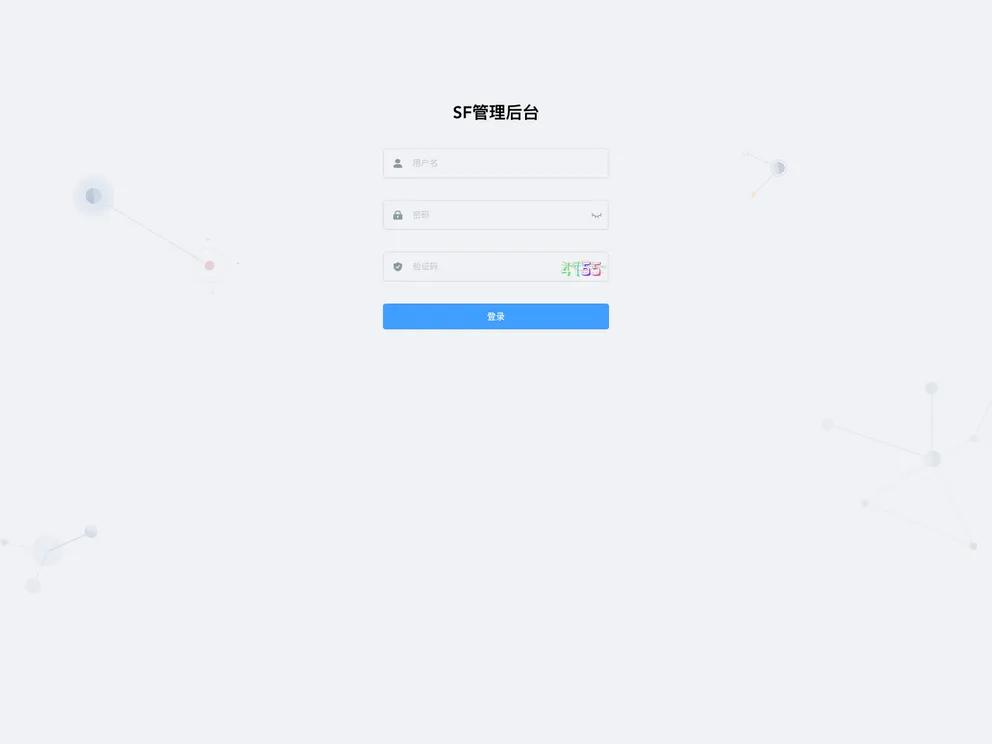
Overview:
sf-vue-admin is a simple and efficient front-end and back-end separation permission management system. It is built using NestJs, TypeScript, TypeORM, Redis, MySql, Vue, and Element-UI. The goal of this project is to assist developers in their full-stack development journey.
Features:
- Front-end and back-end separation
- Permissions management system
- Uses NestJs, TypeScript, TypeORM, Redis, MySql, Vue, and Element-UI
Installation:
To install sf-vue-admin, follow the steps below:
- Clone the repository:
git clone https://github.com/arklnk/ark-admin-nest.git
- Install the dependencies:
cd ark-admin-nest
npm install
- Configure the database connection:
Modify the database configuration in the ormconfig.json file to match your database settings.
- Start the development server:
npm run start:dev
- Open the application in your browser:
Navigate to http://localhost:3000 to access the sf-vue-admin application.
Summary:
sf-vue-admin is a high-performance permission management system that allows for front-end and back-end separation. It utilizes a stack of technologies, including NestJs, TypeScript, TypeORM, Redis, MySql, Vue, and Element-UI. The project aims to assist developers in their full-stack development journey. It provides a straightforward installation process and can be easily customized to match specific requirements.

















