


 Github Stars:
 Last Commit:
  Created:


Overview
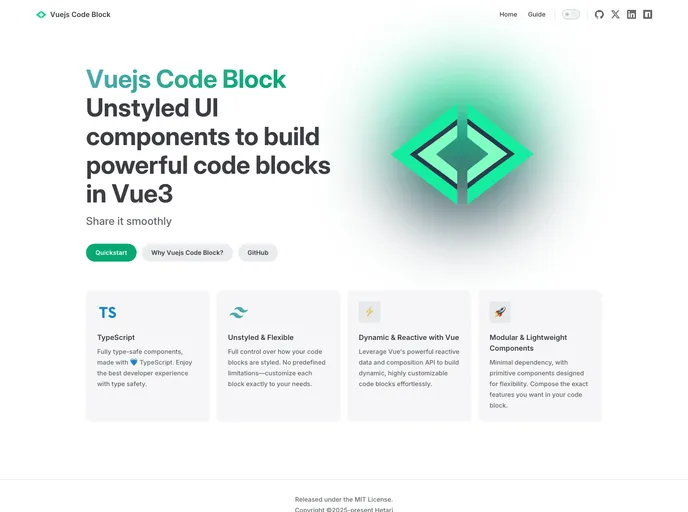
The Vue.js Code Block component is a powerful tool for developers looking to display syntax-highlighted code in their applications. Designed specifically for Vue 3, it offers an elegant and customizable way to present code snippets, making it a must-have for documentation, tutorials, or any project requiring clear code demonstrations. With a promise of future enhancements to allow full styling flexibility, the component stands out with its user-friendly implementation and attractive themes.
Features
- Easy Installation: Quickly install the package via npm or Yarn and incorporate it into your Vue 3 application without hassle.
- Syntax Highlighting: Automatically highlight code based on the specified programming language, improving readability and aesthetics of code samples.
- Thematic Choices: Choose from a variety of built-in themes such as Dracula, GitHub, and Night Owl to match your application’s style.
- Customizable Props: Tailor the code block using various properties like
language,theme, andnumberedto suit your display needs. - HTML Element Wrapper: Set the wrapping HTML element with the
asElementprop, defaulting to<pre>, providing further flexibility in presentation. - Header Display Options: Control visibility of the header, which includes the title, language icon, and copy button, to streamline the code block’s appearance.
- File Name Display: Optionally show the file name in the header, adding clarity to the code being presented.
- Warning on Formatting: Includes important notes about code formatting to avoid unexpected whitespace issues, ensuring pristine presentation of your code.

















