


 Github Stars:
 Last Commit:
  Created:


Overview:
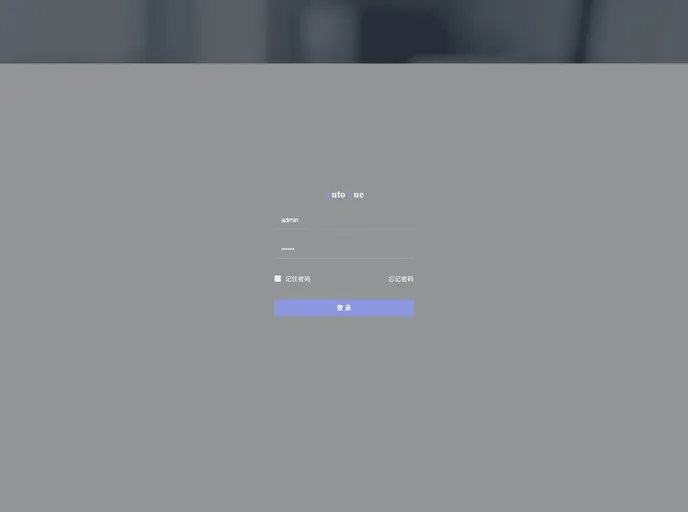
Vue-Seed is a pre-made UI solution for enterprise applications that serves as a Vue boilerplate. It provides three different theme options and includes features such as customizable themes, dynamic routing, complete login/logout logic, a stylish login page, support for the Element-UI component library, internationalization, weather forecast functionality, and animated charts. The tech stack includes Vue, Vue-Router, Vue-cli, Vue-i18n, Vuex, ES6, Element-UI, eCharts, Axios, Jsonp, Sass, Animate.CSS, Typed.js, Font-Awesome, MockJS, Yarn, and babel-polyfill for compatibility with IE. Additionally, there are several additional plugins that can be used if needed.
Features:
- Three theme templates to choose from
- Customizable theme with skin changing functionality
- Dynamic routing
- Complete login/logout logic
- Stylish login page
- Support for the Element-UI component library
- Internationalization
- Weather forecast functionality
- Animated charts
Installation:
To install Vue-Seed, follow these steps:
- Make sure you have Vue and Node.js installed on your system.
- Clone the repository from GitHub.
- Open the project folder in your terminal and run the following command to install dependencies:
yarn install
- Once the installation is complete, you can start the development server with the following command:
yarn run dev
- Open your browser and visit localhost:8080 to see the Vue-Seed application.
Summary:
Vue-Seed is an out-of-box UI solution for enterprise applications built on top of Vue. It provides a variety of features such as customizable themes, dynamic routing, complete login/logout logic, and support for the Element-UI component library. With its extensive tech stack and additional plugins, Vue-Seed offers developers a solid foundation for building powerful and stylish enterprise applications.

















