


 Github Stars:
 Last Commit:
  Created:


Overview
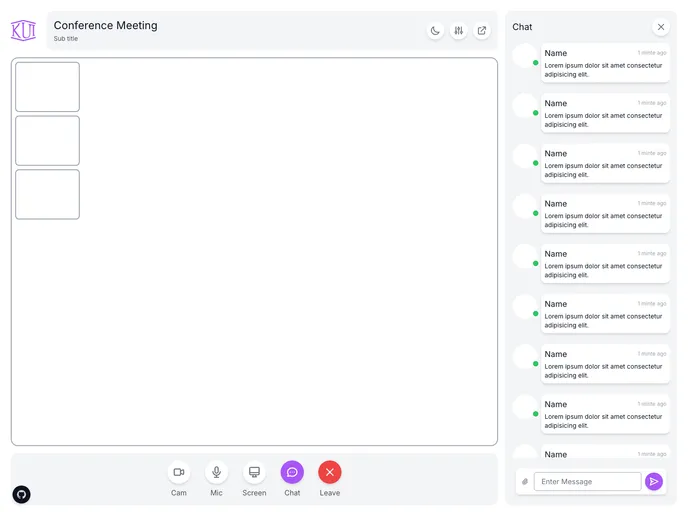
The content is discussing a simple video conference layout and provides a live preview. It aims to guide users on how to get started with the video conference.
Features
- Simple Layout: The video conference layout is designed to be user-friendly and easy to navigate.
- Live Preview: Users can see a live preview of the video conference before joining, ensuring a seamless experience.
- Easy Setup: Getting started with the video conference is quick and hassle-free.
Installation
To install the video conference theme, follow these steps:
- Open the video conference application.
- Navigate to the settings menu.
- Click on the “Themes” tab.
- Select “Video Conference” from the list of available themes.
- Click on the “Install” button.
- Wait for the theme to install, which should only take a few seconds.
- Once installed, the video conference theme will be applied automatically.
Summary
The content provides an overview of a simple video conference layout and its key features. It also guides users on how to install the video conference theme for their application.

















