


 Github Stars:
 Last Commit:
  Created:


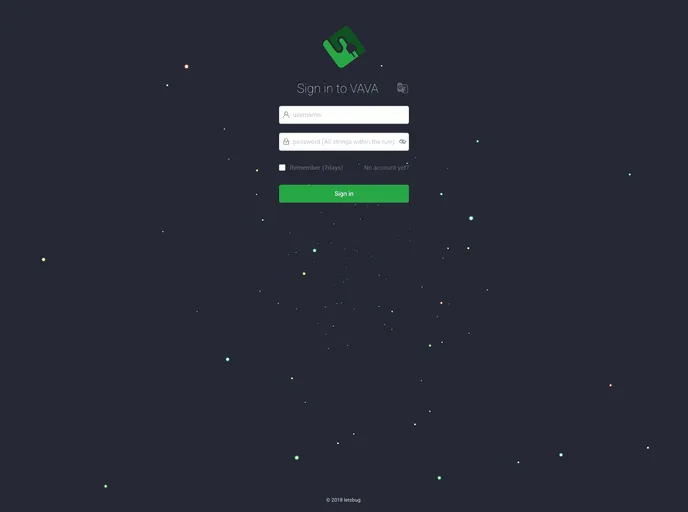
Overview
Vava is a management background integration solution built on top of Vue and ElementUI. It is a robust and updated solution that offers a fantastic user experience. Vava supports all modern browsers and does not support Internet Explorer.
Features
- Integration Solution: Vava provides a comprehensive management background integration solution.
- Based on Vue: The framework used to build Vava is Vue, which ensures fast and efficient web development.
- ElementUI Integration: Vava utilizes the UI component library, ElementUI, to offer a responsive and visually appealing user interface.
Installation
To install Vava, follow these steps:
- Make sure you have Node.js installed on your system.
- Create a new project folder and navigate to it using the command line.
- Run the following command to install Vava:
npm install vava
- Once the installation is complete, you can import Vava in your project:
import Vava from 'vava'
- Start using Vava in your project by adding the necessary components and configuring the integration.
Summary
Vava is a powerful management background integration solution built on the Vue framework and ElementUI. It offers a fantastic user experience and supports all modern browsers. With its comprehensive features and easy installation process, Vava is a valuable tool for developers working on management web applications.

















