


 Github Stars:
 Last Commit:
  Created:

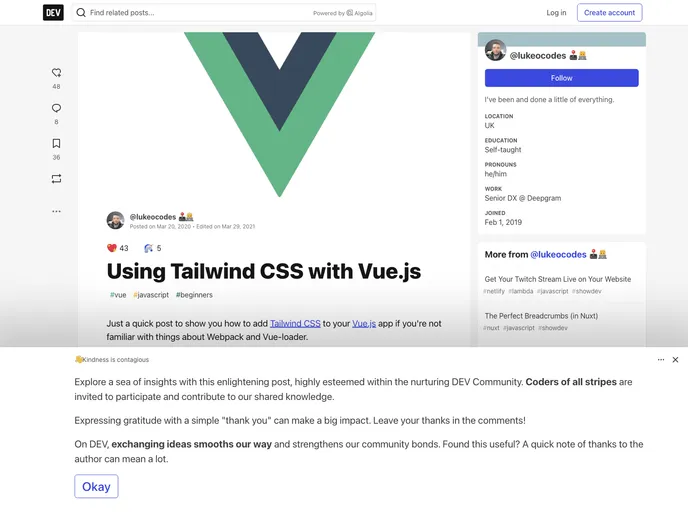
Overview:
The Starter App is a Vue.js project that utilizes Tailwind CSS. It is designed to provide a basic structure for web applications and comes with pre-built components from Tailwind CSS examples.
Features:
- Standard Tailwind CSS: The project is built using the standard Tailwind CSS framework, providing a wide range of utility classes and responsive design options.
- Vue.js Starter App: The Starter App is based on the Vue.js framework, allowing developers to easily create dynamic and interactive web applications.
- Pre-built components: The project includes pre-built components from the Tailwind CSS examples, providing ready-to-use elements such as navigation bars.
Installation:
To install the Starter App with Vue.js and Tailwind CSS, follow these steps:
- Clone the project repository:
git clone <repository-url>
- Navigate to the project directory:
cd <project-directory>
- Install the project dependencies:
npm install
Customize the application according to your requirements. Refer to the Vue.js and Tailwind CSS documentation for more details.
Start the development server:
npm run serve
- Open your browser and navigate to
http://localhost:8080to access the application.
Summary:
The Starter App is a Vue.js project that integrates Tailwind CSS for rapid and efficient development. Its key features include the usage of standard Tailwind CSS framework, the Vue.js Starter App structure, and the inclusion of pre-built components from Tailwind CSS examples. Follow the installation guide to set up the project and customize it according to your needs.

















