


 Github Stars:
 Last Commit:
  Created:


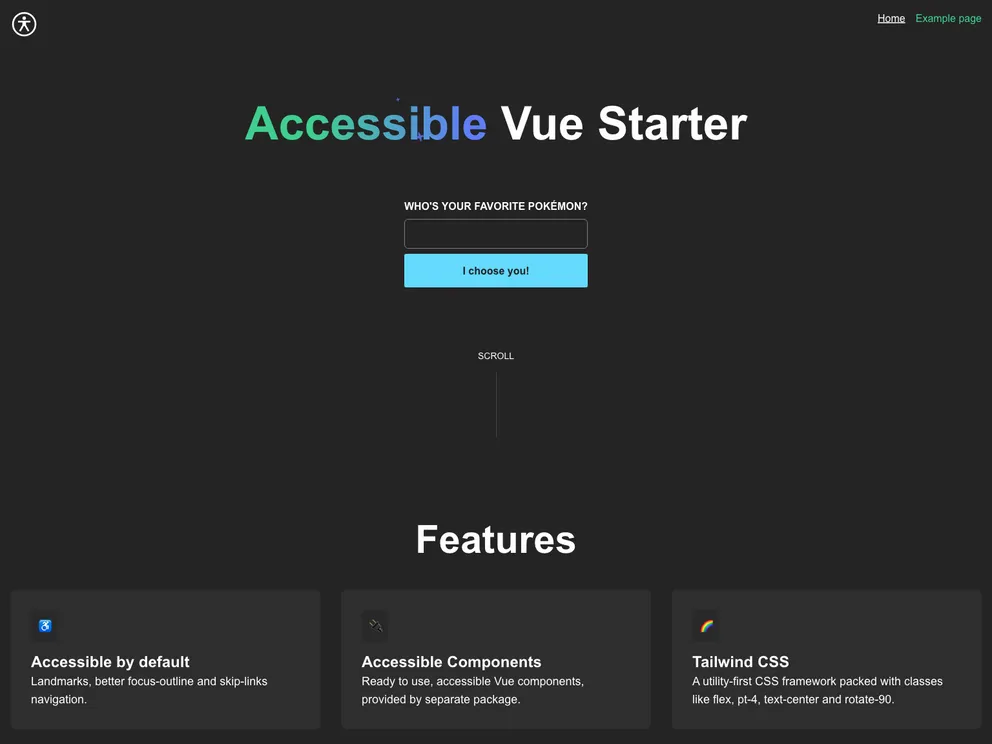
Overview
Accessible Vue Starter is an innovative project designed for developers looking to create accessible applications using Vue 3 and Vite. This starter template not only provides an array of pre-built accessible components but also focuses on enhancing user experience for individuals relying on assistive technologies. With its clean integration of dynamic routing and utility classes, Accessible Vue Starter serves as an efficient foundation for accessibility-focused web projects.
Built with future enhancements in mind, this starter kit currently includes example pages, a personalized 404 page, and reusable design system utilities. It’s inspired by the Accessible Astro Starter, ensuring a seamless development experience, while emphasizing the importance of accessibility from the ground up.
Features
Accessible Landmarks: The project includes essential landmarks like header, main, footer, section, and nav for improved navigation and screen reader compatibility.
Outline Focus Indicator: A focus indicator that works effectively against both dark and light backgrounds, ensuring keyboard users can easily navigate.
Aria Attributes: Several pre-set aria attributes enhance the experience for users who depend on screen readers, facilitating better comprehension of the page structure.
SkipLinks Component: This specialized component allows users to jump directly to the main menu or content, streamlining navigation for keyboard users.
Responsive Navigation: The Navigation component features keyboard-accessible dropdown functionality, ensuring a user-friendly experience on all devices.
Dark Mode Toggle: An integrated button enabling users to toggle dark mode in accordance with their system preferences, enhancing accessibility options.
Utility Classes and Patterns: A robust set of Design System utilities including grids, buttons, lists, and spacings enable developers to create visually appealing and functional interfaces.
Auto Component Registration: Utilizing Unplugin Vue Components, the template automates the process of component registration to streamline development efforts.

















