


 Github Stars:
 Last Commit:
  Created:
Overview:
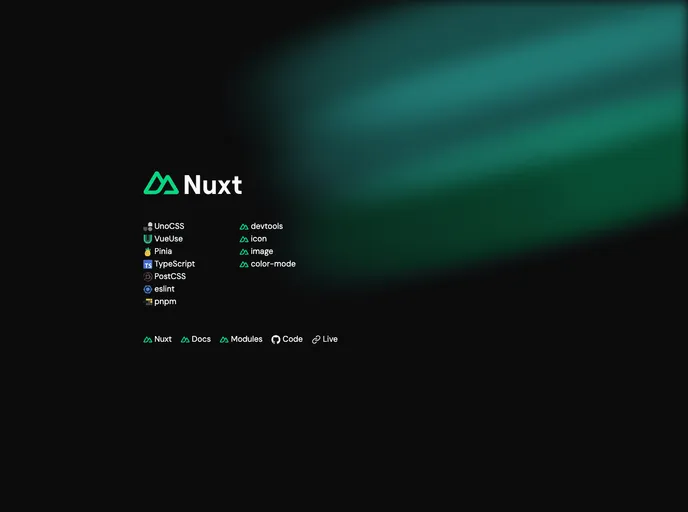
The Nuxt 3 Starter Template is a minimal starter template for Nuxt 3 that comes preconfigured with essential modules. It is designed to provide a simple and efficient starting point for Nuxt 3 projects.
Features:
- UnoCSS preset: The template includes the UnoCSS preset, which provides a set of utility classes for styling.
- Unopreset: The Unopreset module is included, which offers a collection of preconfigured components and styles.
- Attributify preset: This preset allows you to use utility classes directly in your HTML markup.
- Typographypreset: The Typographypreset module provides a collection of typographic styles for your project.
- WebFonts transformer: This transformer enables you to easily use custom web fonts in your project.
- Directives transformer: The Directives transformer allows you to use custom directives in your Vue components.
- VariantGroup: The VariantGroup module provides a convenient way to manage and apply variant styles in your project.
- VueUse: The VueUse library is included, which provides a collection of useful Vue Composition API utilities.
- Vue Macros: The Vue Macros module allows you to use advanced features of Vue with compile-time validation.
- Pinia: This module provides a modern and performant alternative to Vuex for managing state in your application.
- TypeScript: The template includes support for TypeScript, allowing you to write type-safe code.
- PostCSS Nesting: This feature enables you to use nesting syntax for your CSS styles.
- ESLint: ESLint is set up in the template to provide code linting and formatting.
- pnpm: The pnpm package manager is used for managing dependencies in the template.
Installation:
To install the Nuxt 3 Starter Template, you can follow these steps:
- Clone the template locally or create a new repo from the template on GitHub.
- Install the recommended extensions for your code editor.
- Change the author name in the LICENSE file to your own.
- Delete the “gradients” directory located in the “public” folder.
- Remove the “Welcome.vue” component.
- Delete the icon components in the “components/global” directory.
- Customize the rules in the “robots.txt” file located in the “nuxt.config.ts” file.
- Remove any not needed modules from the “nuxt.config.ts” and “package.json” files.
- Customize the README.md file according to your project needs.
Summary:
The Nuxt 3 Starter Template provides an easy-to-use starting point for Nuxt 3 projects. With its preconfigured essential modules and utility presets, it allows developers to quickly set up a Nuxt project with the necessary tools and features. The installation and customization steps make it easy to tailor the template to specific project requirements. Whether you are a beginner or an experienced developer, this template can help streamline the development process and enable you to focus on building your application.

















