


 Github Stars:
 Last Commit:
  Created:

Overview
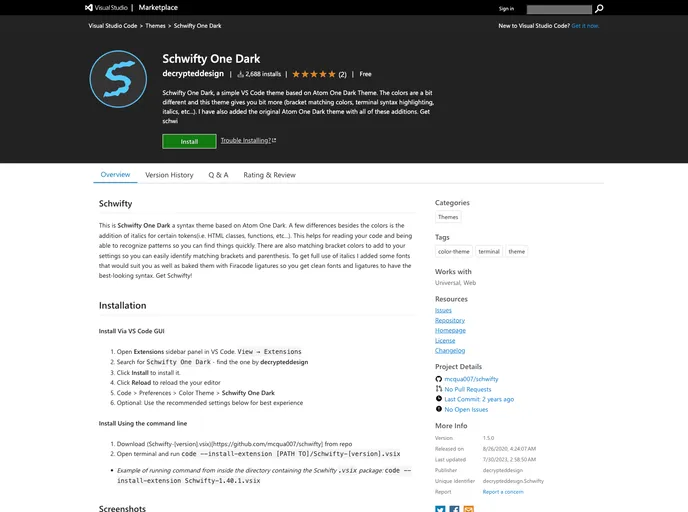
Schwifty One Dark is a syntax theme based on Atom One Dark. It features additions such as italics for certain tokens, matching bracket colors, and clean fonts with ligatures for a better-looking syntax. The theme aims to improve code readability and facilitate pattern recognition.
Features
- Italics for certain tokens: Helps in recognizing patterns and finding code quickly.
- Matching bracket colors: Makes it easy to identify matching brackets and parenthesis.
- Clean fonts and ligatures: Provides a visually appealing syntax with clean fonts and ligatures.
Installation
Install Via VS Code GUI
- Open the Extensions sidebar panel in VS Code (View -> Extensions).
- Search for “Schwifty One Dark” by decrypteddesign and click Install.
- Click Reload to reload your editor.
- Go to Code -> Preferences -> Color Theme and select “Schwifty One Dark”.
Optional: Use the recommended settings for the best experience.
Install Using the Command Line
- Download the Schwifty-[version].vsix file from the GitHub repository.
- Open the terminal and run the command
code --install-extension [PATH TO]/Schwifty-[version].vsix. Example command:code --install-extension Schwifty-1.40.1.vsix
Screenshots
- Schwifty One Dark
- Schwifty Purple One Dark
- Schwifty Atom One Dark
- Schwifty One Dark with matching brackets
- Schwifty Purple One Dark (Variant)
- Svelte Custom Styles (When you have the Svelte for Vs Code extension installed)
Summary
Schwifty One Dark is a syntax theme for VS Code inspired by Atom One Dark. It offers additional features such as italics for certain tokens, matching bracket colors, and clean fonts with ligatures. The theme aims to improve code readability and provide a visually appealing coding experience. It can be installed through the VS Code GUI or using the command line. Screenshots showcase the theme’s various styles and its compatibility with different extensions.

















