


 Github Stars:
 Last Commit:
  Created:


Overview:
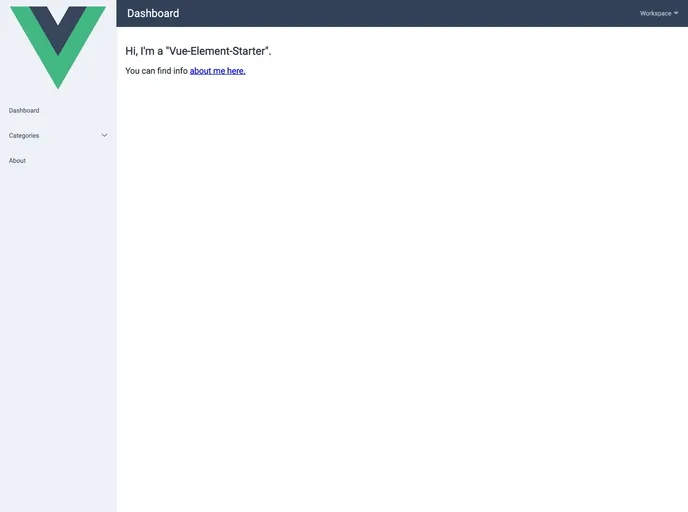
Vue-Element-Starter is a demo project that showcases the use of Vue.js and the Element UI library to create a web application. It provides a starting point for developers who want to use Vue.js, Vue Router, Vuex, and other useful technologies in their projects.
Features:
- Uses Element UI library for UI components
- Supports Vue version 2.1
- Integrated Vue Router and Vuex
- Includes a Fetch polyfill for compatibility with older browsers
- Uses Webpack for module bundling
- Includes Eslint and Babel for code linting and transpiling
- Out-of-the-box theme with a default purple color scheme
Installation:
To start using Vue-Element-Starter:
- Generate default styles by running Element-theme.
- Change the primary color in
./client/element-variables.cssto customize the theme. - Code Snippet:
$ element-theme generate
- After generating the styles, start the app by running:
$ npm run dev
To make a production build, use the following command:
$ npm run build
Summary:
Vue-Element-Starter is a demo project that provides a starting point for developers who want to use Vue.js and the Element UI library in their web applications. It includes a set of key features such as Vue Router, Vuex, and Webpack, and provides an out-of-the-box theme that can be customized. The installation process is straightforward and involves generating default styles and running a few commands.

















