


 Github Stars:
 Last Commit:
  Created:


Overview
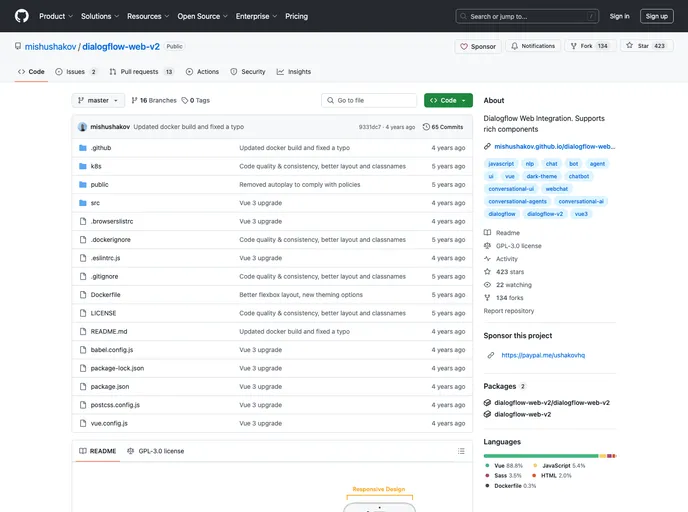
This article discusses an unofficial web client for Dialogflow, a natural language understanding (NLU) engine used to process and understand natural language input. The web client, called Dialogflow for Web, allows users to build conversational interfaces on top of their products and services. The article provides information about the key features of Dialogflow for Web and provides instructions for installation and customization.
Features
- 100% Progressive Web App, following Google’s Material guidelines
- Customizable environment
- Works offline and without JavaScript
- Responsive design
- Contains Search Engine Optimization
- Based on VueJS with Webpack & Live Reload
- WebSpeech API for voice input
- Text-To-Speech output
- Perfect accessibility for disabled users
Installation
To install Dialogflow for Web, follow these steps:
- Clone the repository to your machine using git or download it directly from GitHub.
- Open your cloned folder and use your favorite package manager to get the dependencies. For example, you can run
npm installoryarn. - Start the development server and build the app by running the appropriate command for your package manager. For example, you can run
npm run devoryarn dev. This will open your default browser and redirect you to localhost:8080. If port 8080 is already in use, you can specify a different port by adding the--portargument. For example,npm run dev --port 9090oryarn dev --port 9090. - Building for production: To build your app for production, use the command
npm run buildoryarn build. This will bundle your app to dist/build.js.
Summary
This article introduces Dialogflow for Web, an unofficial web client for Dialogflow. It highlights the key features of the web client and provides installation instructions. Dialogflow for Web allows users to build conversational interfaces using the Dialogflow NLU engine.

















