


 Github Stars:
 Last Commit:
  Created:


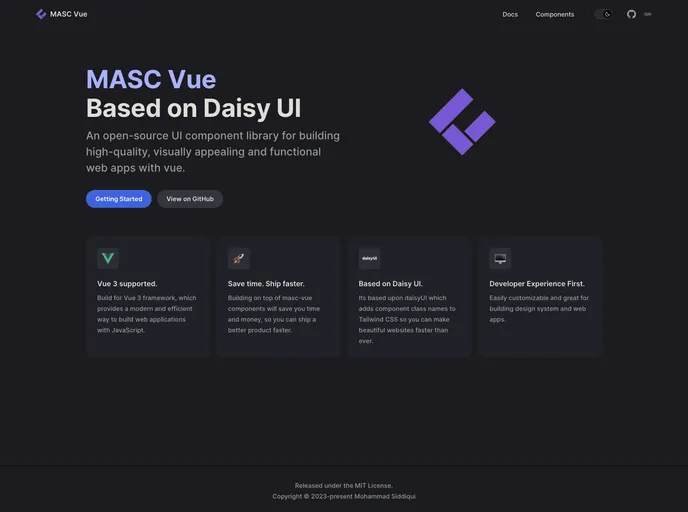
Overview
masc-vue is a work-in-progress Vue3 UI component library that is based on daisyui. It provides a collection of ready-to-use UI components for building web applications using Vue.js. With its sleek design and easy integration, masc-vue aims to streamline development and enhance the user experience.
Features
- Responsive Design: The UI components in masc-vue are designed to be responsive and adapt to different screen sizes, ensuring a consistent and seamless user experience across devices.
- Ease of Use: masc-vue offers a selection of ready-made UI components that can be easily used and customized to fit specific project requirements, saving development time and effort.
- Integration with DaisyUI: Based on daisyui, masc-vue inherits the powerful utility-first CSS framework’s features, such as utility classes, dark mode, and customizable color schemes.
Installation
To install masc-vue, you can follow these steps:
Import all (not recommended):
npm install masc-vueImporting individual components globally:
import { Button, Card, Form } from 'masc-vue';
import 'masc-vue/dist/masc-vue.css';

createApp(App).use(Button).use(Card).use(Form).mount('#app');
Importing components locally:
<script>
import { Button, Card, Form } from 'masc-vue';

export default {
  components: {
    Button,
    Card,
    Form
  }
}
</script>
Please note that the above steps assume you have already set up a Vue.js project using npm.
Summary
masc-vue is a promising Vue3 UI component library that offers a range of pre-designed and responsive UI components for Vue.js developers. With its ease of use, integration with daisyui, and compatibility with Vue3, masc-vue is poised to facilitate the development of sleek and user-friendly web applications. However, being a work-in-progress, it is important to note that the library may have limitations or bugs that are being actively addressed by the developers.

















